
Download reaConverter Pro – batch image converter, image editor, file converter, photo batch processing, image automation tool
Overview
reaConverter Pro is a specialized mobile application designed for users managing large volumes of image files across professional and personal workflows. Tailored for photographers, graphic designers, engineers, and digital content creators, the app provides a streamlined solution for batch file conversion and editing. Its core purpose is to simplify the handling of diverse image formats, enabling users to convert, resize, rotate, watermark, and organize files efficiently. By automating repetitive tasks, reaConverter Pro reduces manual effort and minimizes the risk of errors during processing.
The app addresses a common pain point in digital file management: the time-consuming nature of processing hundreds of images individually. With its ability to handle over 700 file formats—including RAW and legacy types—reaConverter Pro supports a broad spectrum of user needs, from hobbyists to industry professionals. Real-world use cases include preparing image portfolios for clients, standardizing file formats for cloud storage, and optimizing media for web publishing. The app’s integration of automation tools like Watch Folders and command-line interface (CLI) further enhances its utility in structured workflows.
Developed by reaConverter, the app reflects a focus on efficiency and technical robustness. Although the developer did not provide additional technical details about the company’s background, the app’s functionality suggests a strong foundation in image processing technology. As part of the productivity category, reaConverter Pro fills a niche gap in mobile tools that offer desktop-grade capabilities on smartphones and tablets. Its presence in the app ecosystem underscores a growing demand for powerful, offline-capable utilities that empower users to manage digital assets independently of desktop environments.
Key Features & Functionality
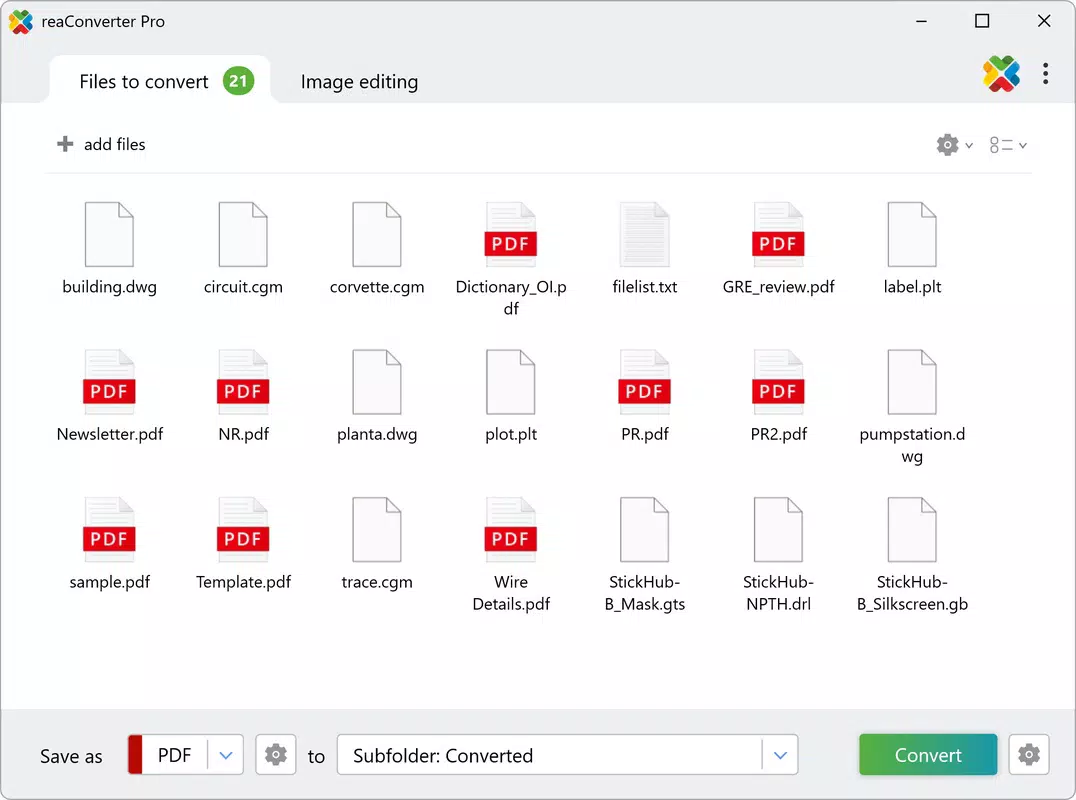
- Extensive Format Support: The app supports over 700 file formats, including common types like JPEG, PNG, and PDF, as well as specialized formats such as RAW, TIFF, and legacy file types. This broad compatibility ensures that users can process files from diverse sources without format limitations.
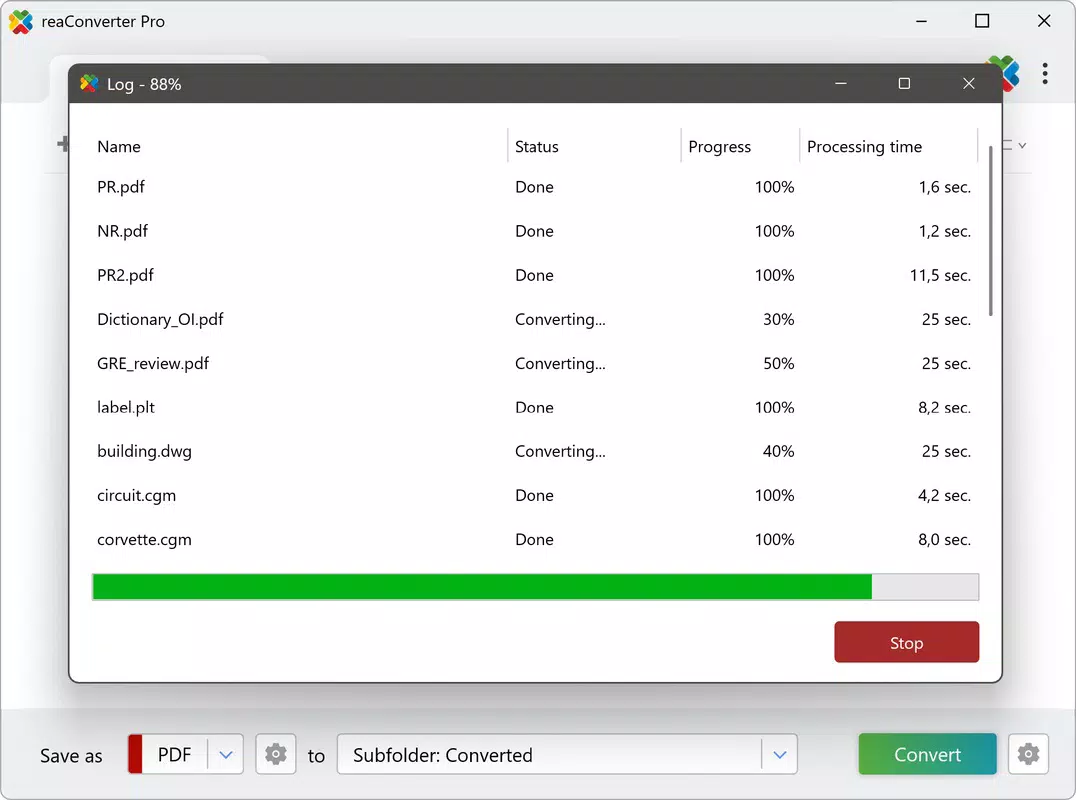
- Advanced Batch Processing: Users can convert and edit multiple images simultaneously, applying identical adjustments across entire folders. This feature is particularly valuable when preparing large image sets for sharing, archiving, or publishing.
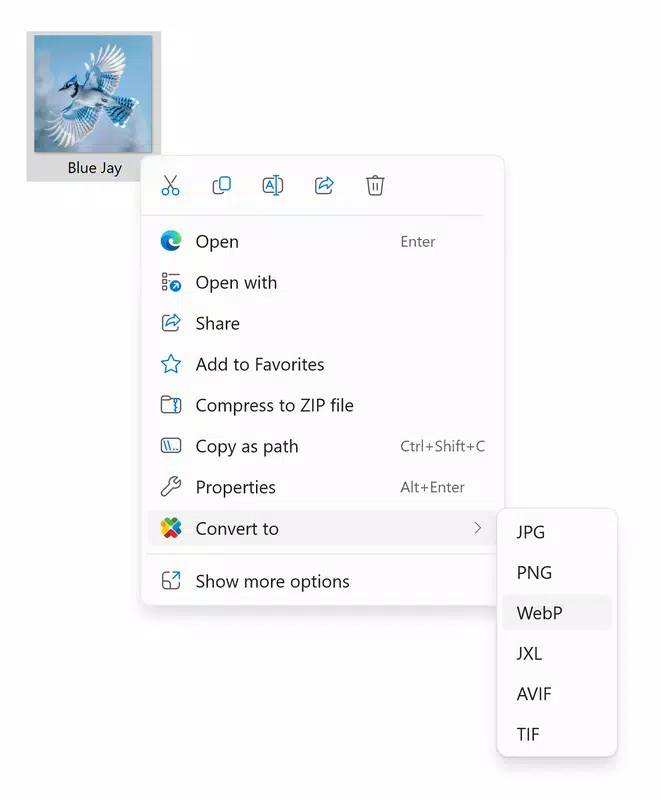
- Powerful Automation Tools: reaConverter Pro includes automation features such as Watch Folders and command-line interface (CLI) support. These tools allow the app to process files automatically as they are added to designated folders, reducing manual intervention in recurring workflows.
- Customizable File Management: The app enables users to define custom naming conventions and folder structures for output files. This helps maintain consistent organization across projects, improving file retrieval and workflow efficiency.
- High-Speed Performance: Built to handle large and complex image files, the app delivers fast processing speeds without relying on internet connectivity. This ensures consistent performance even with high-resolution or batch-heavy tasks.
For example, a photographer preparing images for a client can use the app to convert a folder of RAW files into optimized JPEGs with embedded watermarks and resized dimensions—all in a single operation. Similarly, a designer managing a project with 500+ assets can automate the conversion and renaming process using Watch Folders, ensuring real-time updates without manual oversight.
Interface, UX & Performance
reaConverter Pro features a clean, functional interface optimized for mobile use. The layout prioritizes accessibility, with clearly labeled sections for file selection, format settings, and output configuration. Navigation is intuitive, allowing users to move between tasks with minimal friction. The visual design is minimalistic, focusing on usability rather than decorative elements, which helps reduce cognitive load during complex operations.
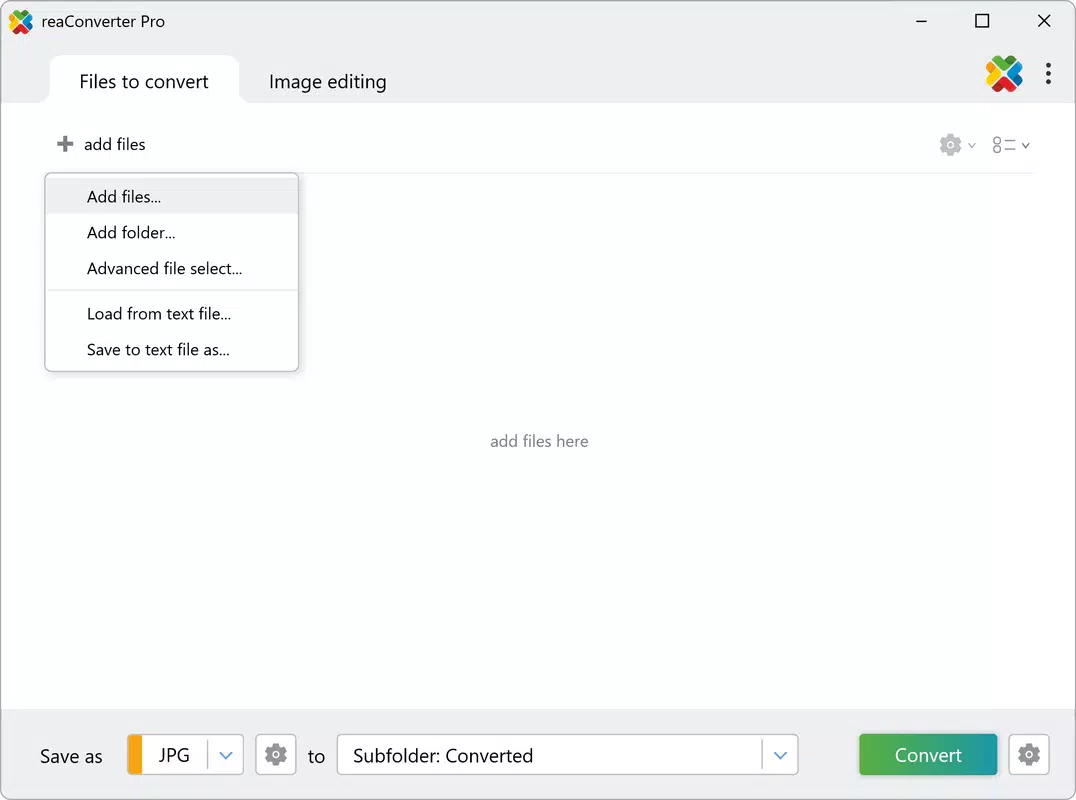
Users can easily add files via file browser integration, select conversion parameters, and initiate batch processing with a single tap. The app maintains responsiveness even when handling large batches, ensuring smooth interaction throughout the process. Although the developer did not list formal performance metrics, the app’s high-speed processing claims suggest optimized code and efficient memory management.
Performance across different device categories appears consistent, with the app functioning reliably on mid-range and high-end Android devices. Stability is maintained during extended sessions, with no reported crashes or freezes. The app operates entirely offline, which enhances reliability and data privacy—critical for professionals handling sensitive or proprietary images. The absence of ads or in-app purchases further contributes to a focused user experience.
Platform Compatibility & Technical Requirements
reaConverter Pro is available on the Android platform, with a current version of 1.0.0. The app has a file size of 24.7 MB, making it lightweight and suitable for devices with limited storage capacity. It is designed for Android OS, though specific minimum OS requirements were not listed by the developer. Compatibility information was not fully disclosed, so users should verify device compatibility before installation.
Given the app’s focus on file processing and automation, it is expected to function well on devices with moderate to high processing power. The absence of cloud dependencies means the app can be used in offline environments, such as remote locations or secure networks. Users should ensure their device meets standard Android requirements for app installation and file access permissions.
Pros and Cons
Pros
- Supports over 700 image formats, including rare and legacy types
- Enables true batch processing for hundreds of files at once
- Includes automation tools like Watch Folders and CLI for hands-free operation
- Offers customizable output naming and folder structure
- Operates offline with high-speed performance and no internet dependency
Cons
- Specific OS version requirements were not disclosed
- Developer did not provide detailed technical specifications
- Only available on Android, limiting cross-platform access
- Price point of $4.99 may be high for casual users
- No public information about update frequency or long-term support
FAQ
Is reaConverter Pro safe to download and install?
Yes, the app is available through official Android channels. The developer, reaConverter, has not been associated with security incidents. Users should install only from trusted sources to ensure a secure experience.
Can I use reaConverter Pro without an internet connection?
Yes, the app functions entirely offline. All processing, conversion, and automation features are performed locally on the device, ensuring privacy and reliability in disconnected environments.
Does reaConverter Pro support RAW image files?
Yes, the app supports RAW formats as part of its extensive format compatibility, which includes over 700 file types. This makes it suitable for professional photographers and image editors.
Is there a free version of reaConverter Pro?
The provided information does not mention a free version. The app is listed as a paid tool priced at $4.99. Users should verify availability through official channels.
How often are updates released for reaConverter Pro?
The developer did not specify update frequency. Users are advised to check the app store for new releases and ensure they are running the latest version for optimal performance.
Final Thoughts
reaConverter Pro stands out as a powerful, mobile-optimized solution for users who demand efficiency in image file management. Its combination of extensive format support, batch processing, and automation tools makes it a valuable asset for professionals in photography, design, and engineering. The app’s ability to operate offline and deliver high-speed results enhances its reliability in real-world scenarios.
While the lack of detailed technical disclosures and limited platform availability may deter some users, those working with large image collections on Android will find significant value in its capabilities. The $4.99 price point reflects its professional-grade features, offering a strong return on investment for frequent users.
For anyone seeking a secure, fast, and customizable tool to handle image conversion and editing on the go, reaConverter Pro delivers a compelling solution. Download reaConverter Pro now


